Server/Node.js
Express 서버 시작하기
dev.Woody
2021. 11. 29. 23:46
npm을 이용한 패키지 관리
원하는 디렉토리로 이동한 뒤 npm init을 입력해준다.
npm init이제부터 npm이 패키지 관리를 시작하게 된다.
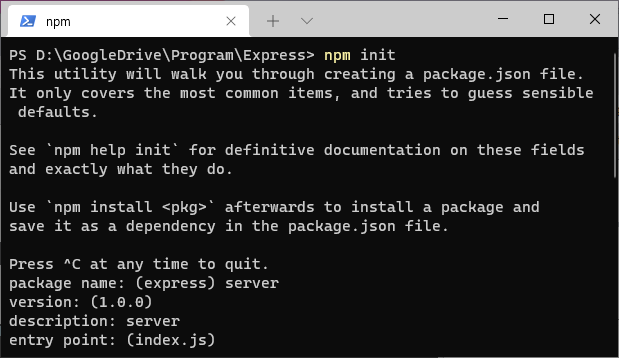
This utility will walk you through creating a package.json file.
It only covers the most common items, and tries to guess sensible defaults.

See `npm help init` for definitive documentation on these fields
and exactly what they do.

Use `npm install <pkg>` afterwards to install a package and
save it as a dependency in the package.json file.

Press ^C at any time to quit.
package name: (express) server
version: (1.0.0)
description: server
entry point: (index.js)
test command:
git repository:
keywords:
author:
license: (ISC)
About to write to D:\GoogleDrive\Program\Express\package.json:

{
  "name": "server",
  "version": "1.0.0",
  "description": "server",
  "main": "index.js",
  "scripts": {
    "test": "echo \"Error: no test specified\" && exit 1"
  },
  "author": "",
  "license": "ISC"
}
현재 디렉토리에 package.json파일이 생성된 것을 확인할수 있다.
Express 서버 설치하기
npm install express --save여기서 --save옵션은 외부 라이브러리 정보를 package.json안에 저장할 수 있도록 해준다.
다음 app.js라는 파일을 생성하고 다음 내용을 입력해 서버를 열어보자.
//require을 통해 node_modules에 있는 express를 가져올 수 있다.
const express = require("express");

//express의 반환값을 저장한다.
const app = express();


app.get("/", (req, res) => {
  res.send("Test");
});

//3000번 포트로 서버를 오픈한다.
app.listen(3000, () => {
  console.log("Sever On");
})
다음 터미널에 node app.js를 실행하면, app.listen(포트번호,콜백) 메서드가 실행된다.
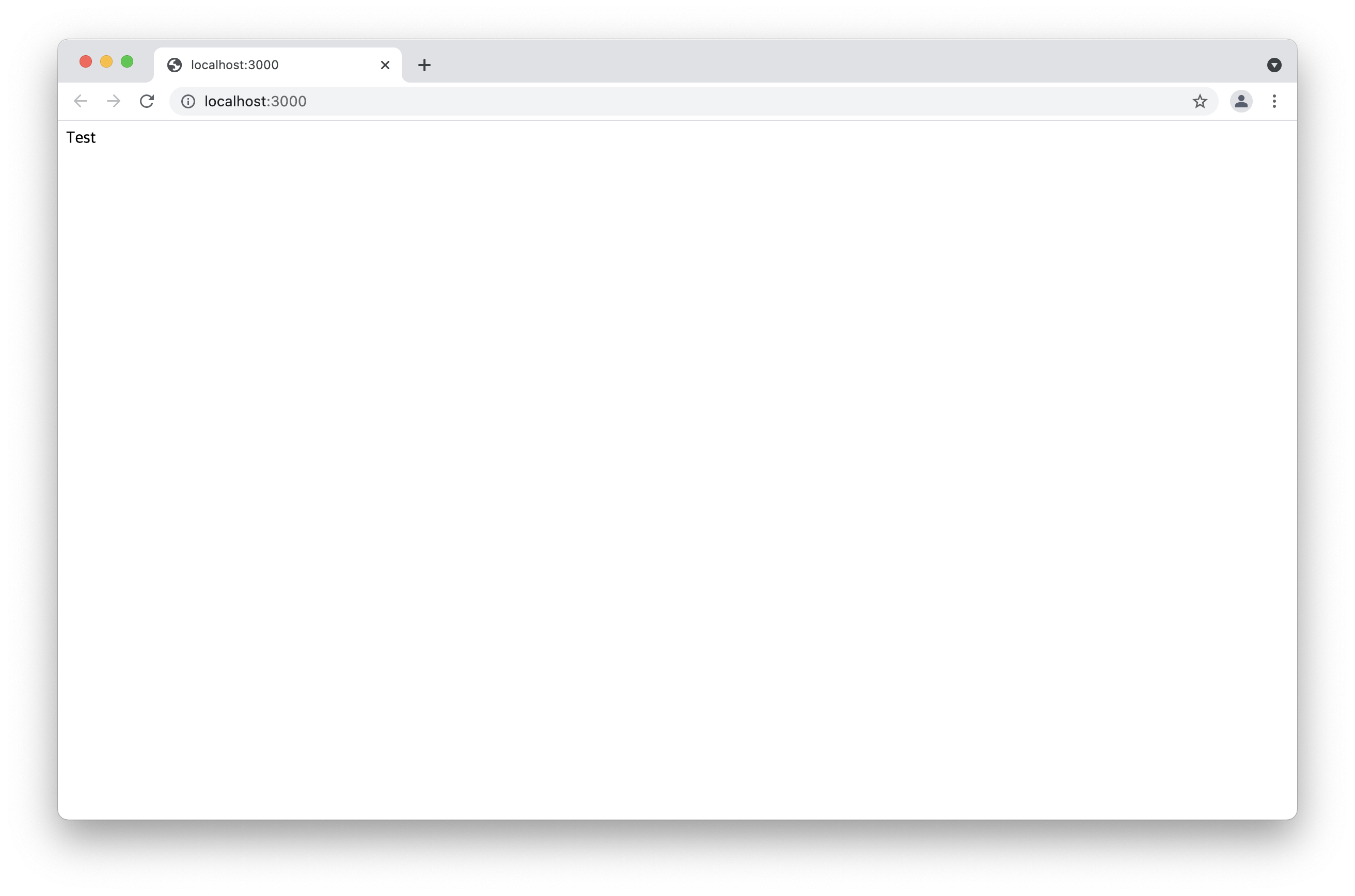
node app.js브라우저를 열고 localhost:3000에 접속해 확인해보자.